Verified Email Security for Windows & macOS

Trust your inbox again.

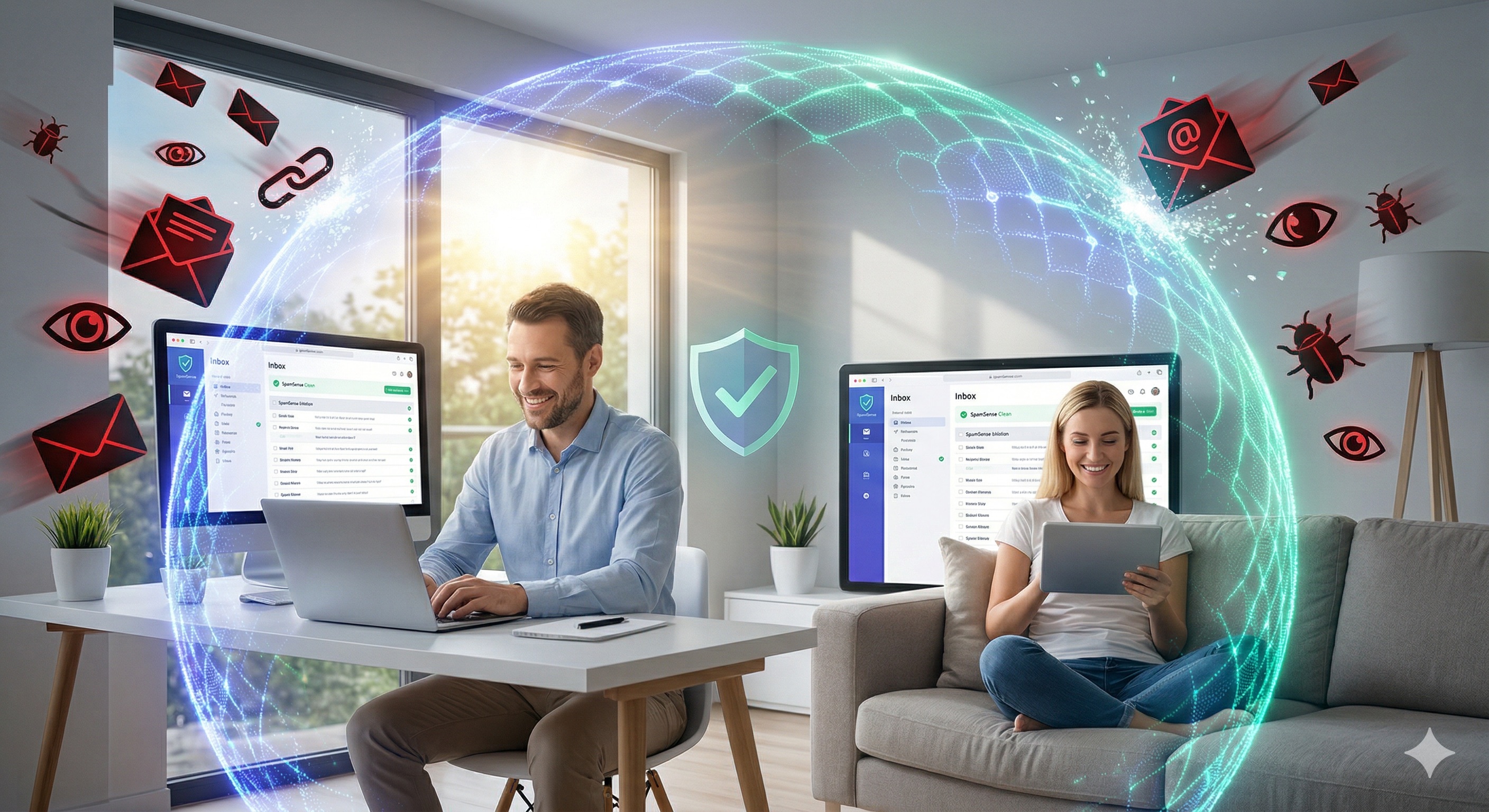
SpamSense is the intelligent, local forensic guardian that blocks dangerous emails, spam, and phishing – before they can do harm. No subscriptions. No cloud-forced processing.

One-time payment No subscription Secure via Stripe
SpamSense Software im Einsatz
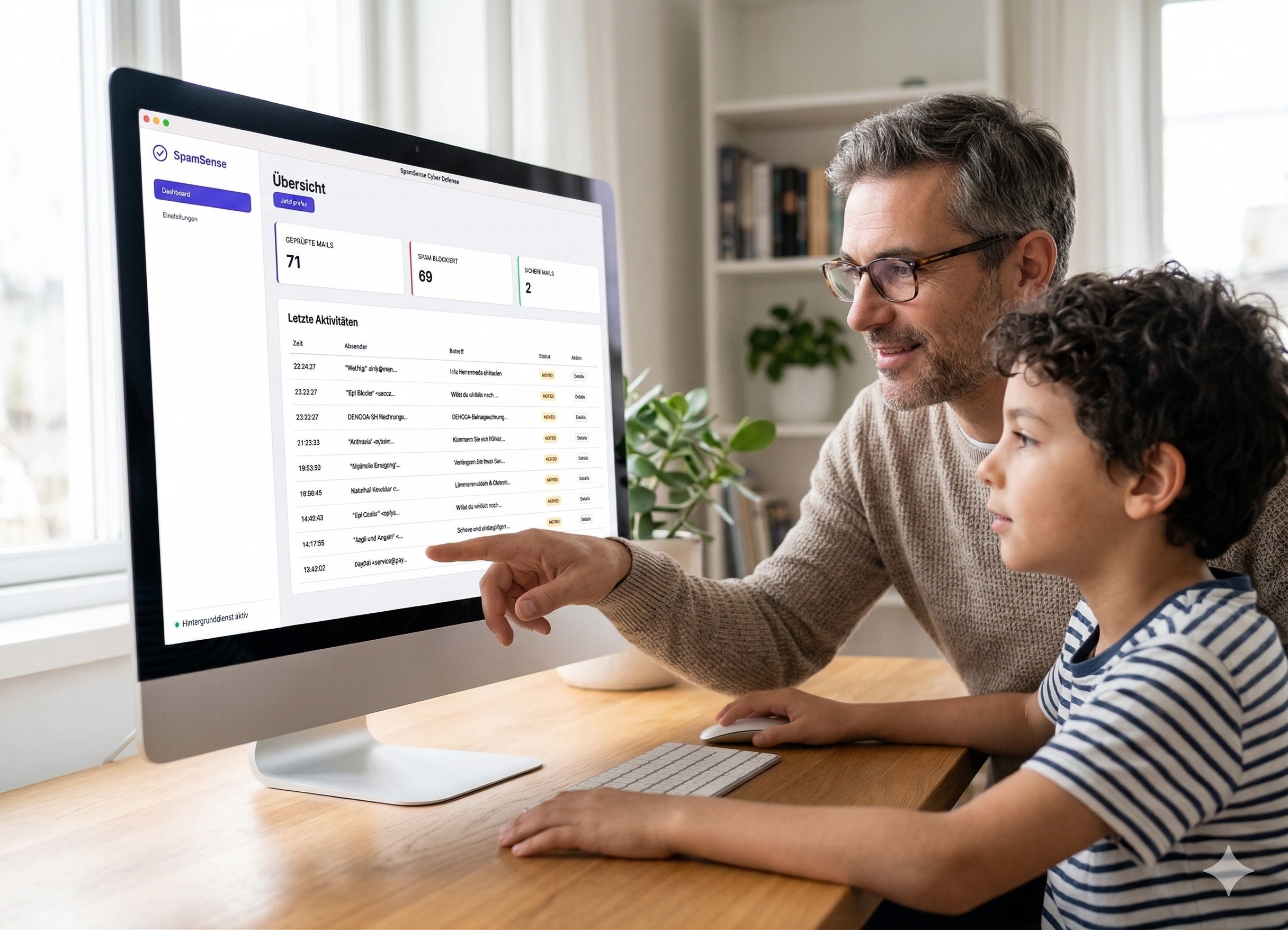
SpamSense Dashboard

Modern Threats

Conventional filters are no longer enough.

In an era where emails are the number one gateway for data theft and viruses, you need more than just standard spam filters.

SpamSense uses a specialized forensic engine that looks deep into the code of every email. We protect your digital life **without ever uploading your private data to a cloud.**

Technology in the Background

Highest detection rate for your inbox

Icon

Deep Inspection

Analyzes headers for manipulation and exposes optical illusions (like hidden characters) directly in the HTML code of the email.

Icon

AI Semantics

Understands context. Uses local language models to detect if a message uses psychological tricks (like false urgency).

Icon

Link Forensics

Every URL undergoes a strict risk assessment. Fake destination domains are identified immediately before you click.

Icon

Multi-Account

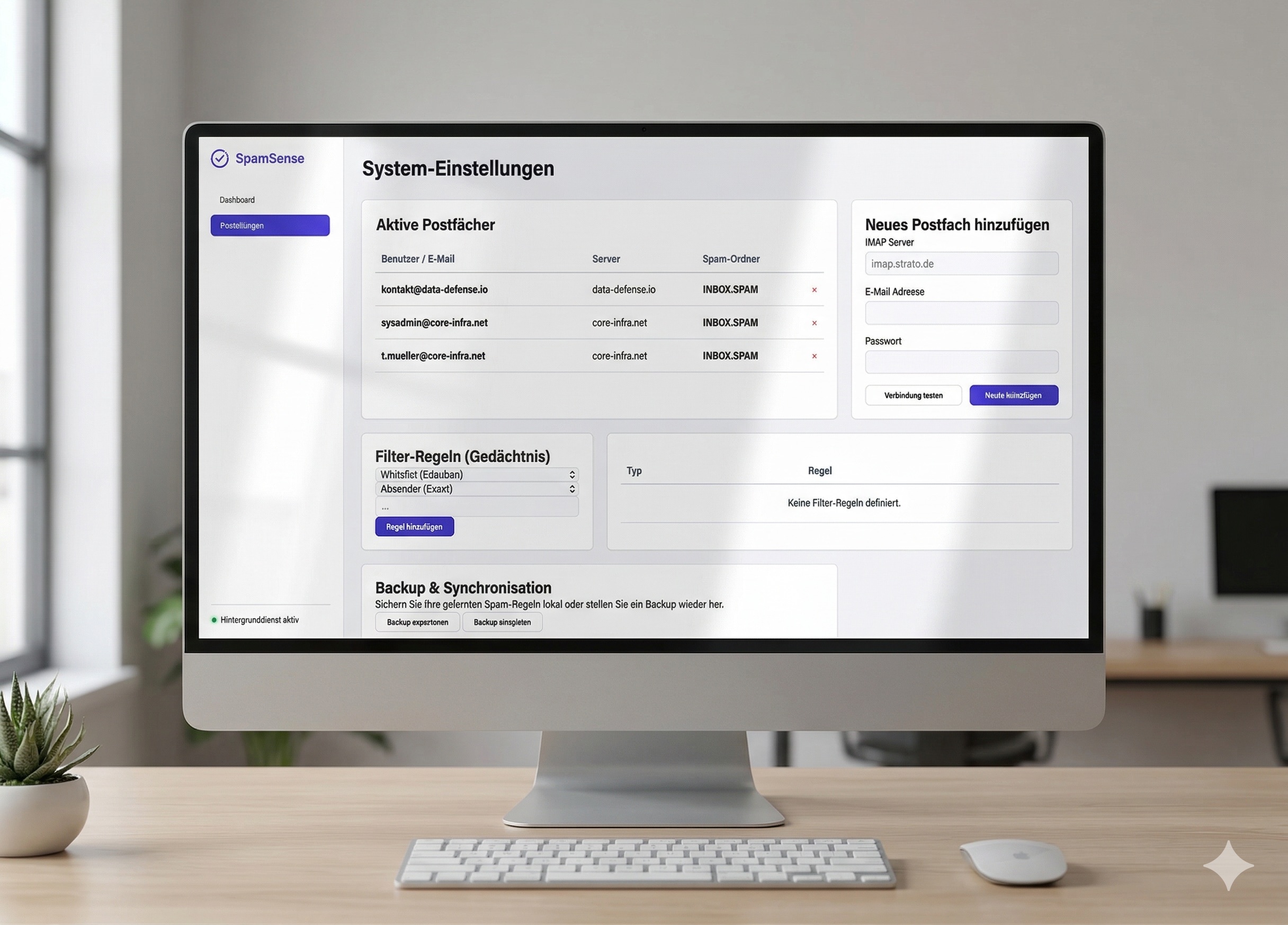
Manage any number of inboxes simultaneously in a single, clear, and centralized interface.

100% Privacy

Your computer is your fortress.

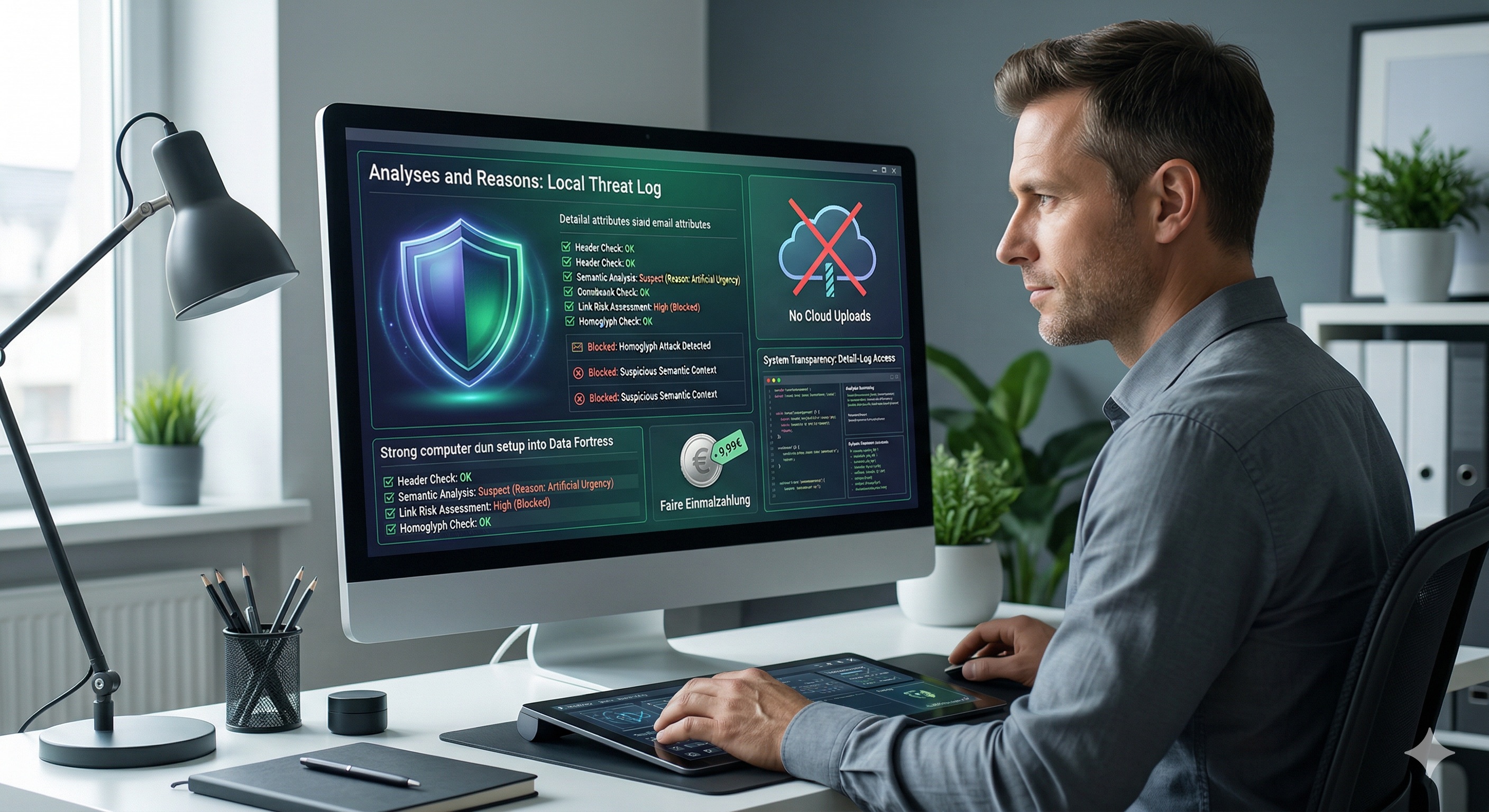
SpamSense was developed with the "Privacy by Design" principle. All analyses take place locally on your hardware.

  • No Cloud Uploads

    Your emails never leave your computer.

  • Fair One-Time Payment

    We deliberately avoid expensive, hidden subscriptions.

  • Full Transparency

    See exactly *why* an email was blocked in the detailed log at any time.

SpamSense Detailliertes Log

A Look Under the Hood

Intelligence that stays one step ahead of scammers.

The days of poorly translated spam emails with obvious spelling mistakes are long gone. Today, modern cybercriminals use Artificial Intelligence themselves to write deceptively real, highly personalized phishing messages. Classic filters that only look for simple keywords are absolutely powerless against this new generation of attacks. A completely new kind of defense is needed.

This is exactly where SpamSense comes in. Our software doesn't work like a rigid set of rules, but like an experienced digital forensic expert right on your computer. Instead of just matching words, SpamSense uses a local Deep Learning Engine to understand the context and intent behind an email:

Psychological Analysis

Does the email use artificial time pressure, threats, or false authority (e.g., "Final Notice" or "Account Suspended")?

Invisible Artifacts

Are there fragments of automated spam bots or manipulated sender data hidden in the source code of the message that are invisible to the human eye?

Real-Time Scoring

Every email is checked for hundreds of microscopic anomalies in milliseconds.

The result: SpamSense blocks even the most sophisticated spear-phishing attacks and CEO fraud schemes precisely and silently in the background – long before they have a chance to cause harm.
Ready in 30 Seconds

Easy setup for everyone

Security shouldn't be complicated. SpamSense connects to your inbox via IMAP with just a few clicks and immediately works silently in the background.

SpamSense Einrichtung

Get started with SpamSense now

Your permanent license for a secure and clean inbox.

Lifetime License

Full Version

9,99

(One-time payment)

  • For Windows & macOS
  • Includes local AI models
  • Unlimited inboxes
  • Free feature updates
Payment processing secured by stripe

Frequently Asked Questions

Any questions left?

1. Do I have to sign up for a subscription?
No, absolutely not. We consciously avoid hidden costs and monthly subscriptions. With your purchase, you receive a lifetime license for the current major version, including all local AI models and future security updates. You only pay once.
2. Do I need IT skills to install SpamSense?
Not at all. SpamSense was specifically designed so that any user can set it up in under 30 seconds. After installation, simply connect your inbox via IMAP (just like on your smartphone) – no complicated server settings or prior knowledge required.
3. On how many computers can I install SpamSense?
A SpamSense license is valid for exactly one computer (single-device license). However, you can monitor and protect as many email inboxes as you want simultaneously on this one computer. If you want to use SpamSense on additional devices, you will need a separate license for each.
4. Why do I have a blue dot in my menu bar/taskbar?
The small blue dot in your menu bar (macOS) or taskbar (Windows) is a visual signal that the SpamSense background service is active. It confirms that your inbox is currently being monitored and protected live. You can continue working with peace of mind while the system silently cleans up in the background.
5. How can I add SpamSense to my autostart?
During installation, SpamSense is usually set up to start automatically when you boot up your computer. If you want to check or adjust this manually, simply open the SpamSense settings. Under the "System" tab, you will find a simple checkbox "Run at startup" that you can click.

Do you have more questions? Contact our support.